

Our Drivers Keep America Rolling
If you are like most drivers looking for CDL A truck driving jobs, you want to work for a company with the best pay, the most miles, the best benefits, the best equipment & the most home time. Find out why we’re among the best in the nation.

At Western Express we know a better truck means a better work environment which is why we offer the best equipment on the road. We believe in earning competitive pay and consistent miles with industry leading employee benefits.

Whether you are interested in training options, are an experienced driver, or looking to refresh a previous career, Western Express has options for you. We offer comprehensive orientation programs so you can drive confidently.

Our pay ranks among the best in the trucking industry, so you know you’ll be getting the most for every mile you drive.
We've got a lot to offer our drivers.

With pay increases and a bonus program, you’ll always have the opportunity to go higher in your career.
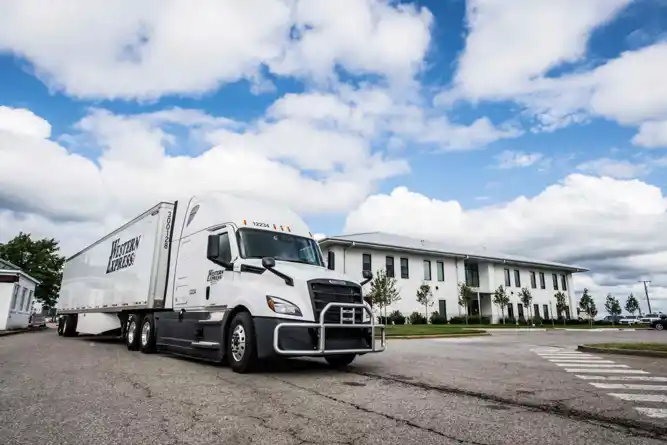
With Western Express, you’ll always be driving the best equipment with cutting-edge on-board technologies.
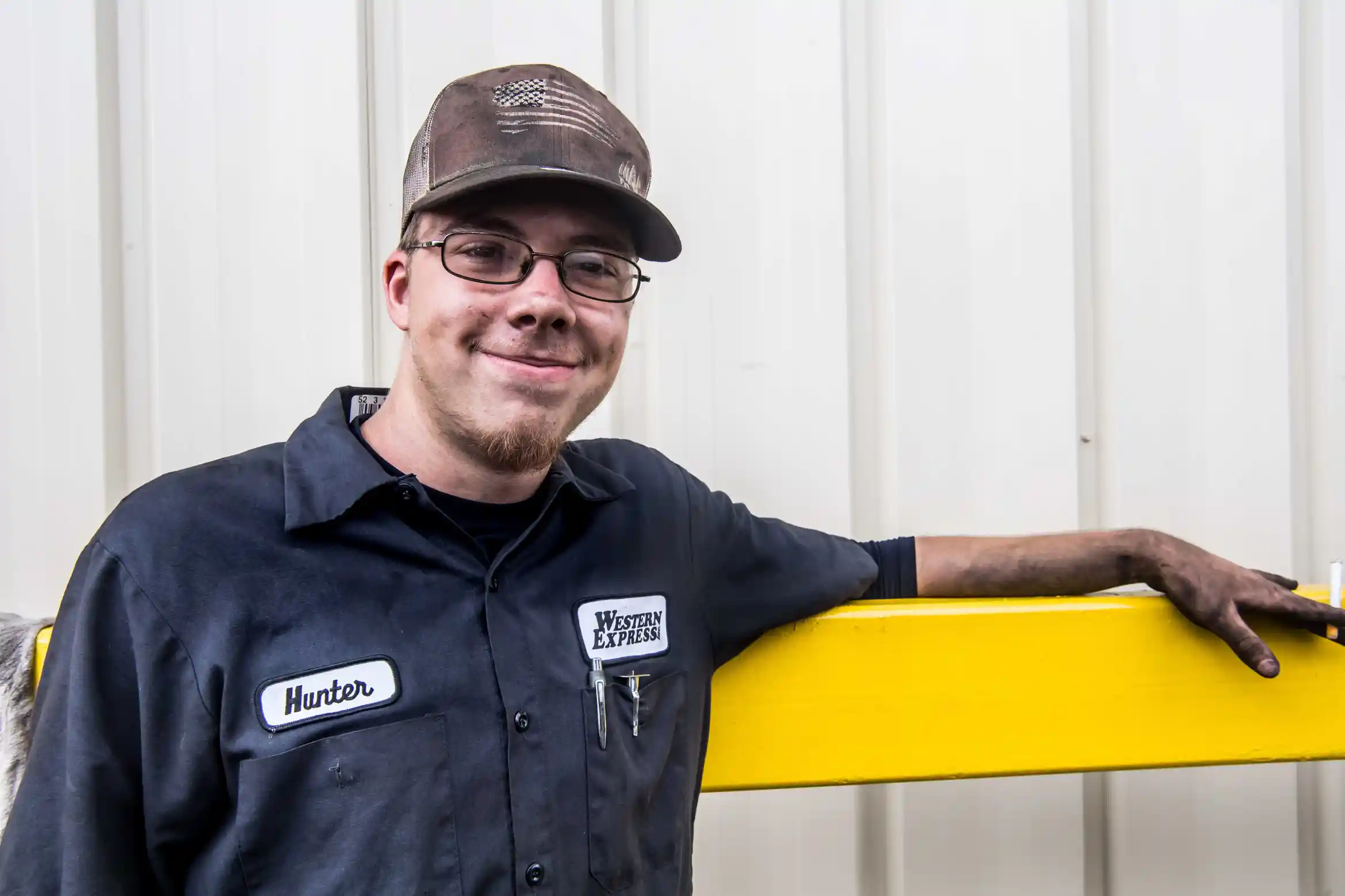
With our paid vacations and weekly/bi-weekly home time, you’ll get the breaks you need and the time with your family that you deserve.
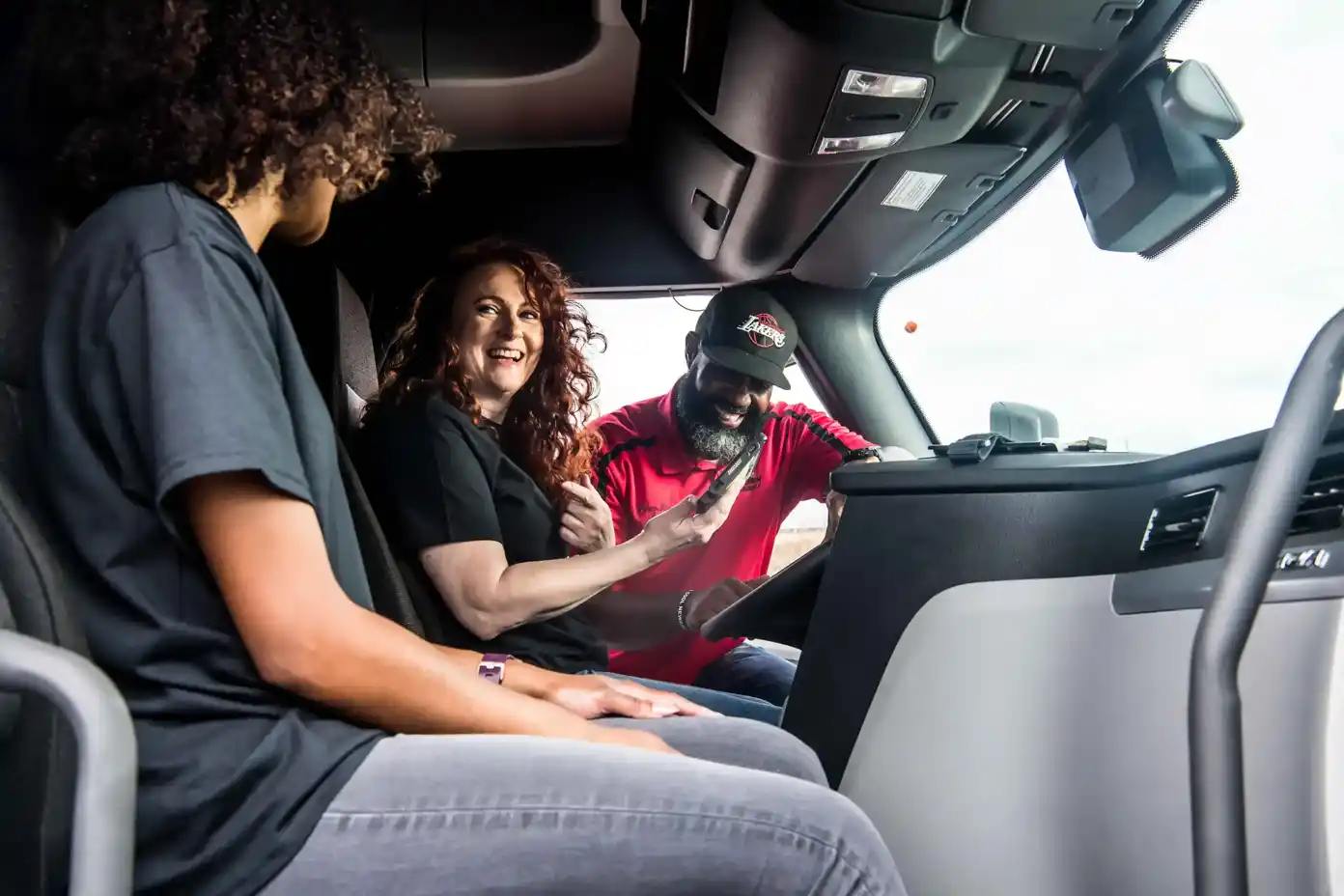
We know that training is crucial, whether you’re new to the industry or a seasoned driver.
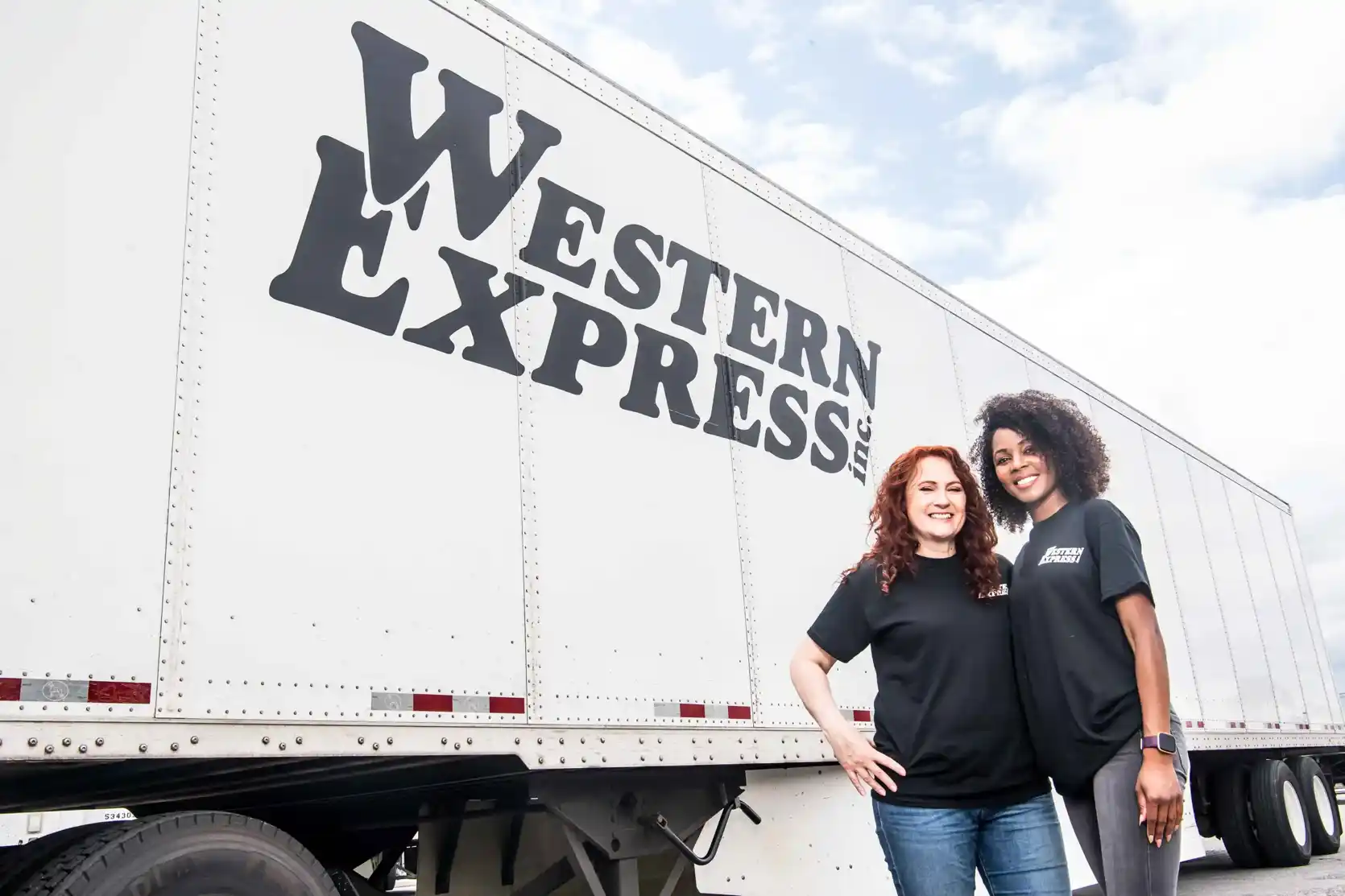
Our safety initiatives and on-going support ensure that you have the resources you need for success.
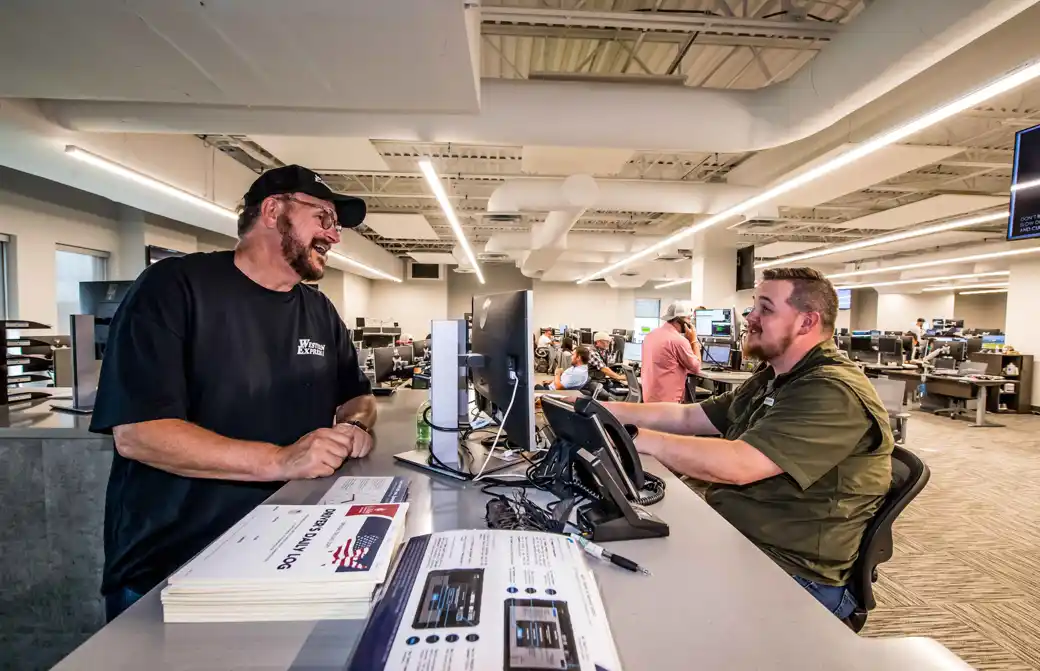
Our pay ranks among the best in the trucking industry, so you know you’ll be getting the most for every mile you drive.
Drive With Us
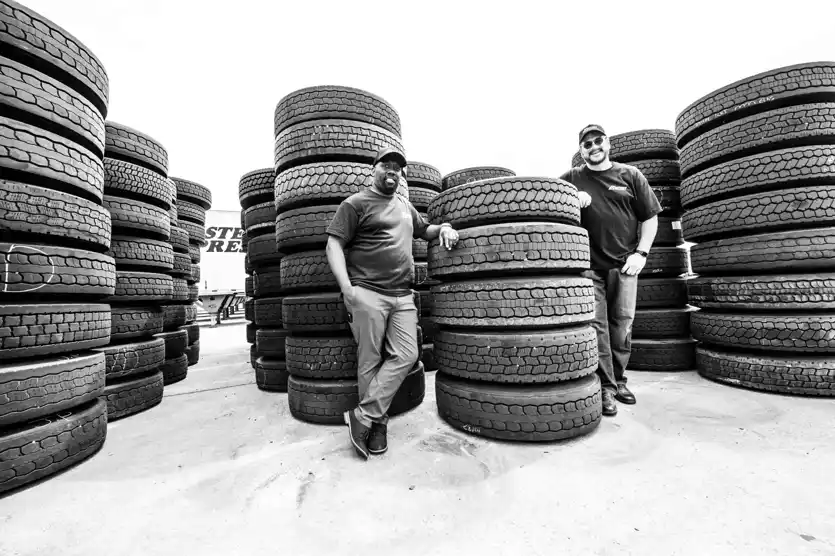
Our Difference
Career Options
Interested in learning more about the services we offer? Submit your information below and we’ll have a representative get in touch with you.
Western Express, Inc